
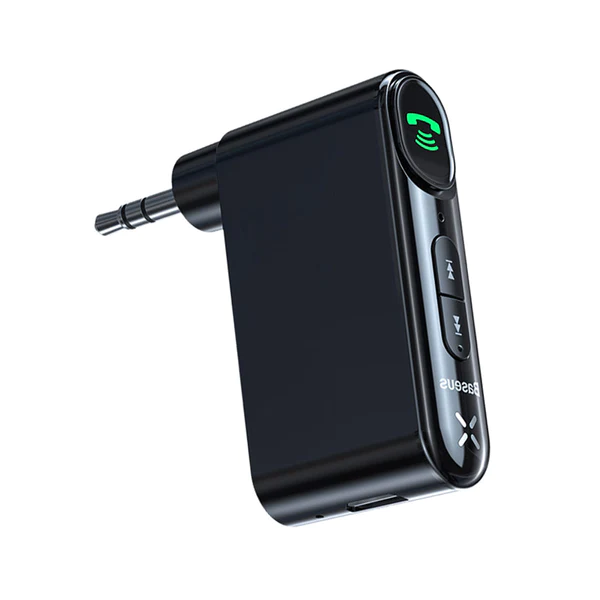
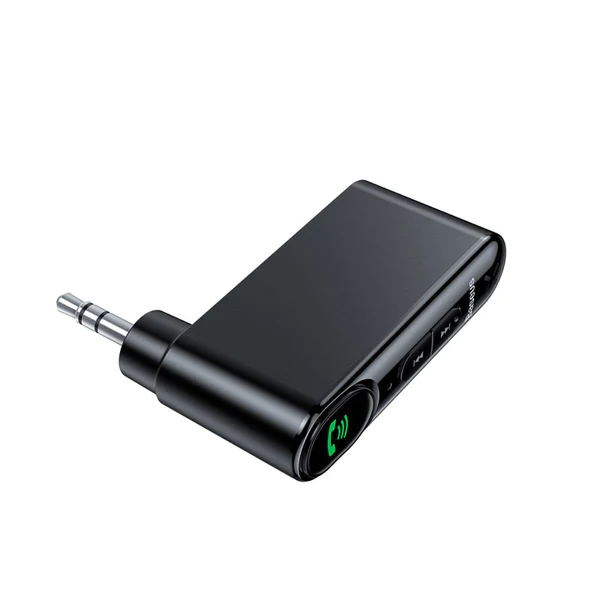
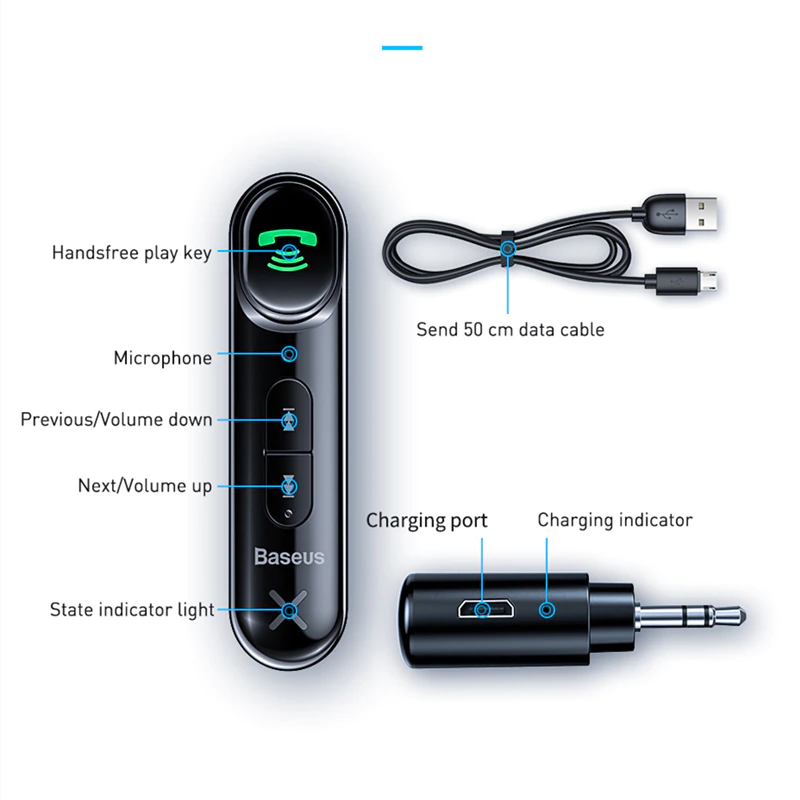
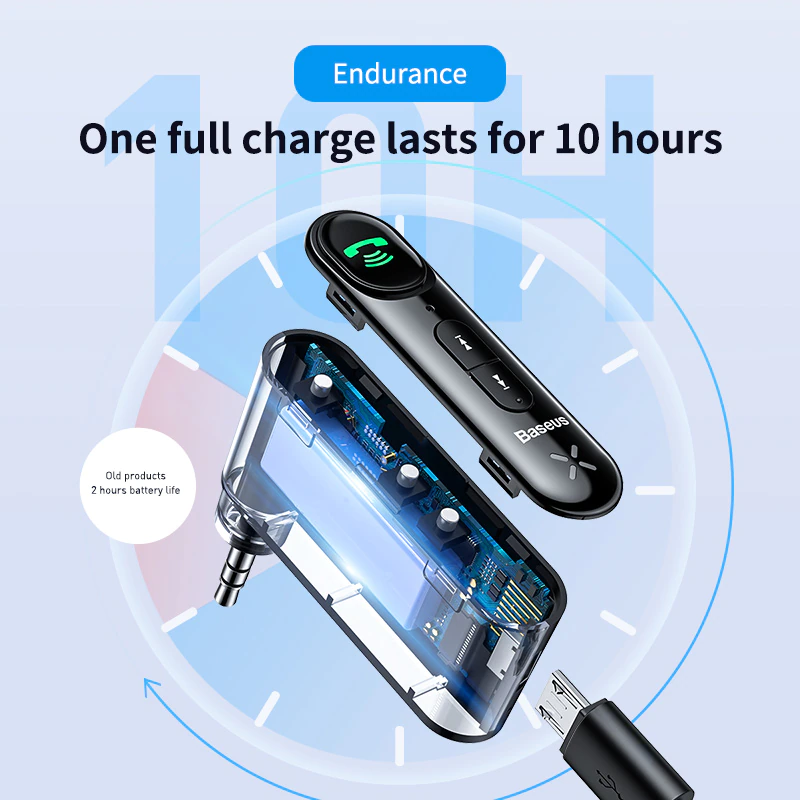
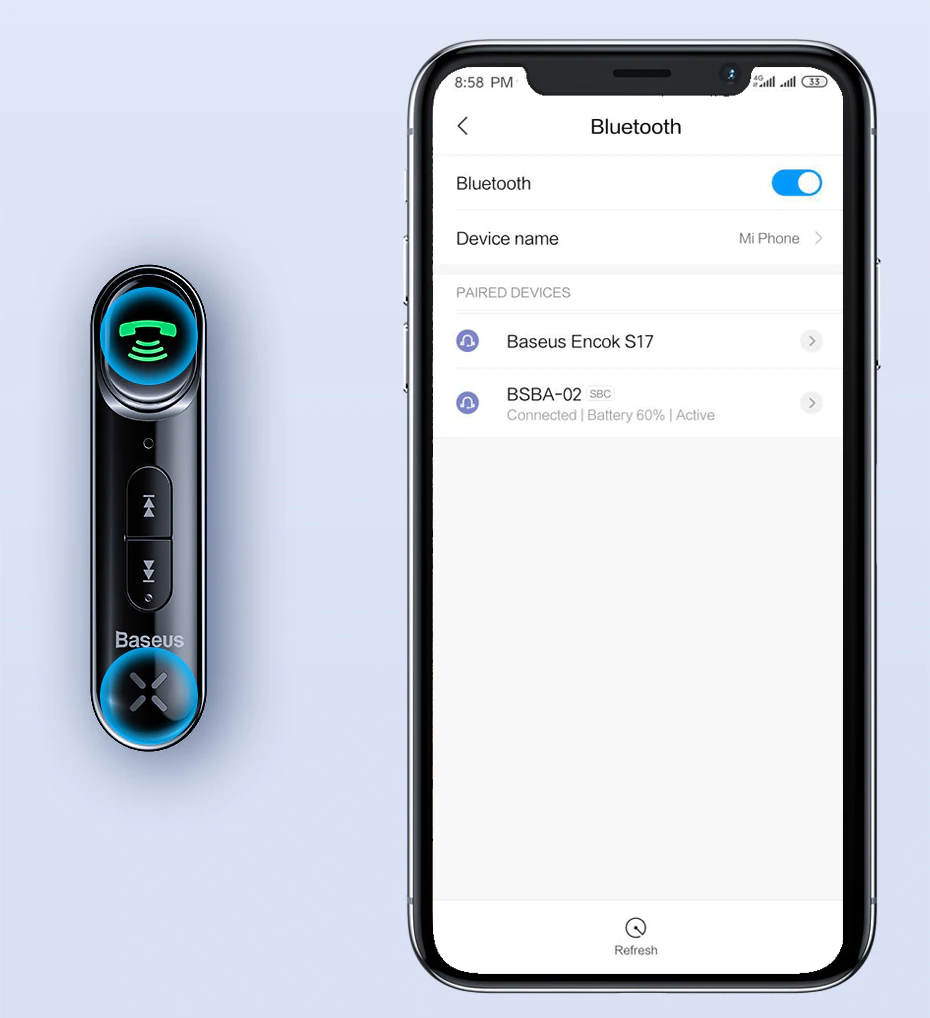
Baseus Type 7 AUX Car Wireless Receive
KSh1,650
How to Connect Bluetooth
1. Turn on the Bluetooth of the mobile phone to search for the device name “BASE-02” and click on the connection to it.
2. After the Bluetooth connection is successful, the blue indicator light will be solid on.
3. The mobile phone can be connected automatically in the future
Related Products


Specification: Baseus Type 7 AUX Car Wireless Receive
| Weight | 0.0 kg |
|---|---|
| Dimensions | 0.0 × 0.0 × 0.0 cm |
Only logged in customers who have purchased this product may leave a review.
Q & A
Ask a question
There are no questions yet

Baseus Type 7 AUX Car Wireless Receive
KSh1,650





Reviews
There are no reviews yet